Getting Started With The POCO
目标:新建一个项目使用到 POCO Libraries 提供的功能
Getting Started With The POCO
The POCO C++ Libraries are delivered in full source code only. Due to the large number of possible build configurations, no binary releases are provided from the project maintainers. This means that you have to build the libraries and tools before you can use them the first time.
环境、工具配置:
CMake release 3.5 or later is required
- 下载
POCO download
前期学习,为了简便、省时,先下载 Signed Packages -> Basic Edition 试试
CMake
下载大于3.26的版本
问题:安装新版cmake后查看cmake 版本还是之前的。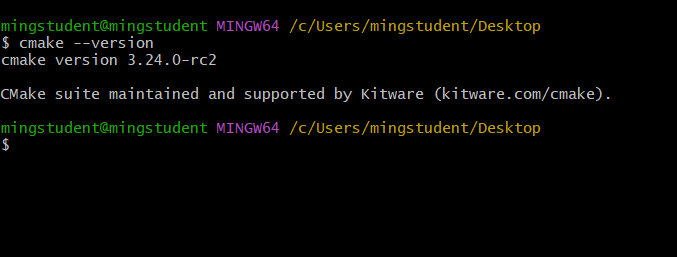
尝试:
- 在path中新增新版cmake bin路径并置顶:无效
- 删除相关环境变量,重新运行 cmake setup,执行repair:报错
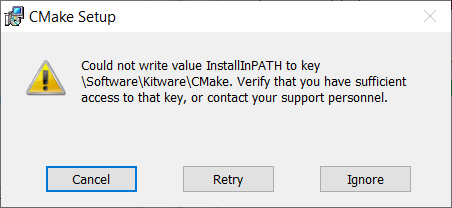
- uninstall,再通过powershell(admin) install:无效
在系统变量的最下面看到了cmake的path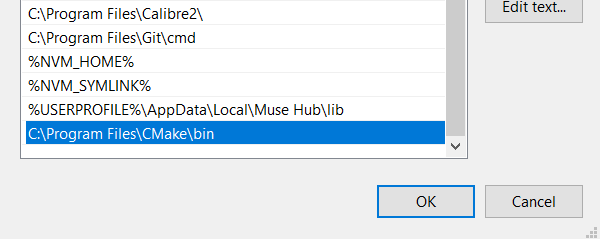
- 把这个变量移到最前面 + (使用everything搜索cmake -》删除旧版本):好了
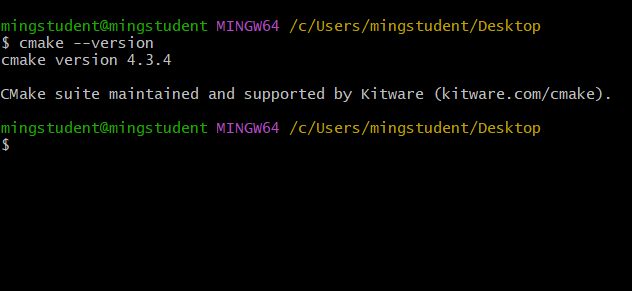
- 进入到源码顶层目录,按照说明输入命令
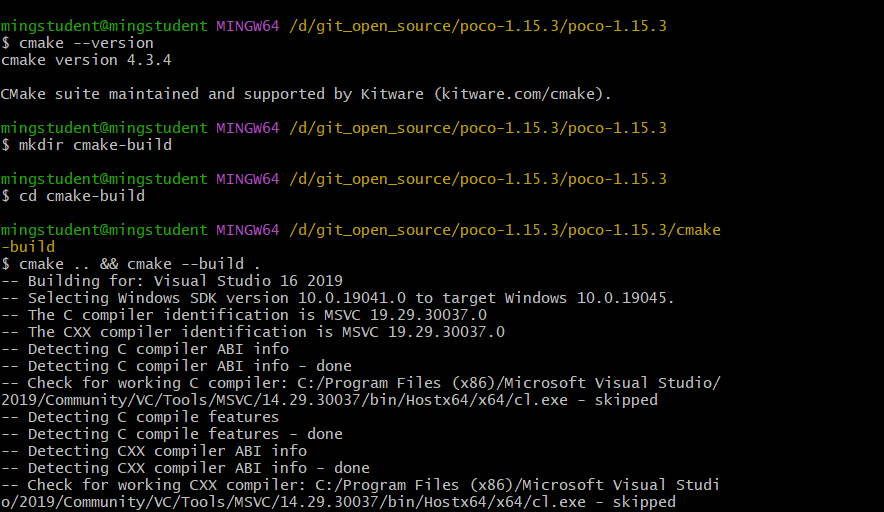
注意:
- build 后 有一个 “.”
- 如果cmake 版本过低,执行完build 会提示版本过低
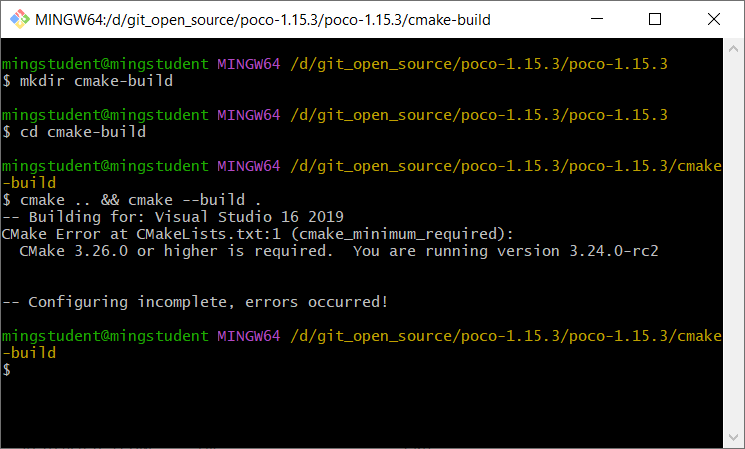
- 打开解决方案

build 报了一堆错误❌。。。
之前下载的1.13.3 不知道我是怎么编译过去的。。。
Building On Windows
Command Prompt
- 打开Command Prompt
下面的Command Prompt 配置了环境变量(编译器类型)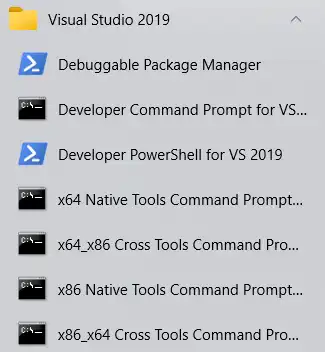
Debuggable Package Manager:调试package
Developer Command Prompt for VS 2019:配置了VS 相关工具变量
Develop PowerShell for VS 2019:同上,但是使用 PowerShell
x64 Native Tools Command Prompt for VS 2019
x64_86 Cross Tools Command Prompt...
x86 Native Tools Command Prompt ...
x86_x64 Cross Tools Command Prompt ...
Native:编译架构 和 运行架构一致
x64 Native:64编译器 生成 64位程序
Cross:编译架构 和 运行架构不一致
x86_x64: 在x86系统上编译
x64:输出/最终运行的系统是x64
Developer Command:
to avoid build problems, it is recommended to start the build in a clean command prompt console, i.e. not in the one provided by Visual Studio for 32/64-bit builds
- 切换到source directory:如果要跨盘符(c-》d)需要添加一个切换盘符指令
C:\Users\mingstudent\source\repos>cd /d D:\git_open_source\poco-1.15.3\poco-1.15.3否则cd 不会生效(停在当前路径)
3. 执行buildwin.cmd script 并传入参数
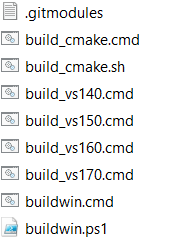

- 编译报错
放弃。。。
CMake
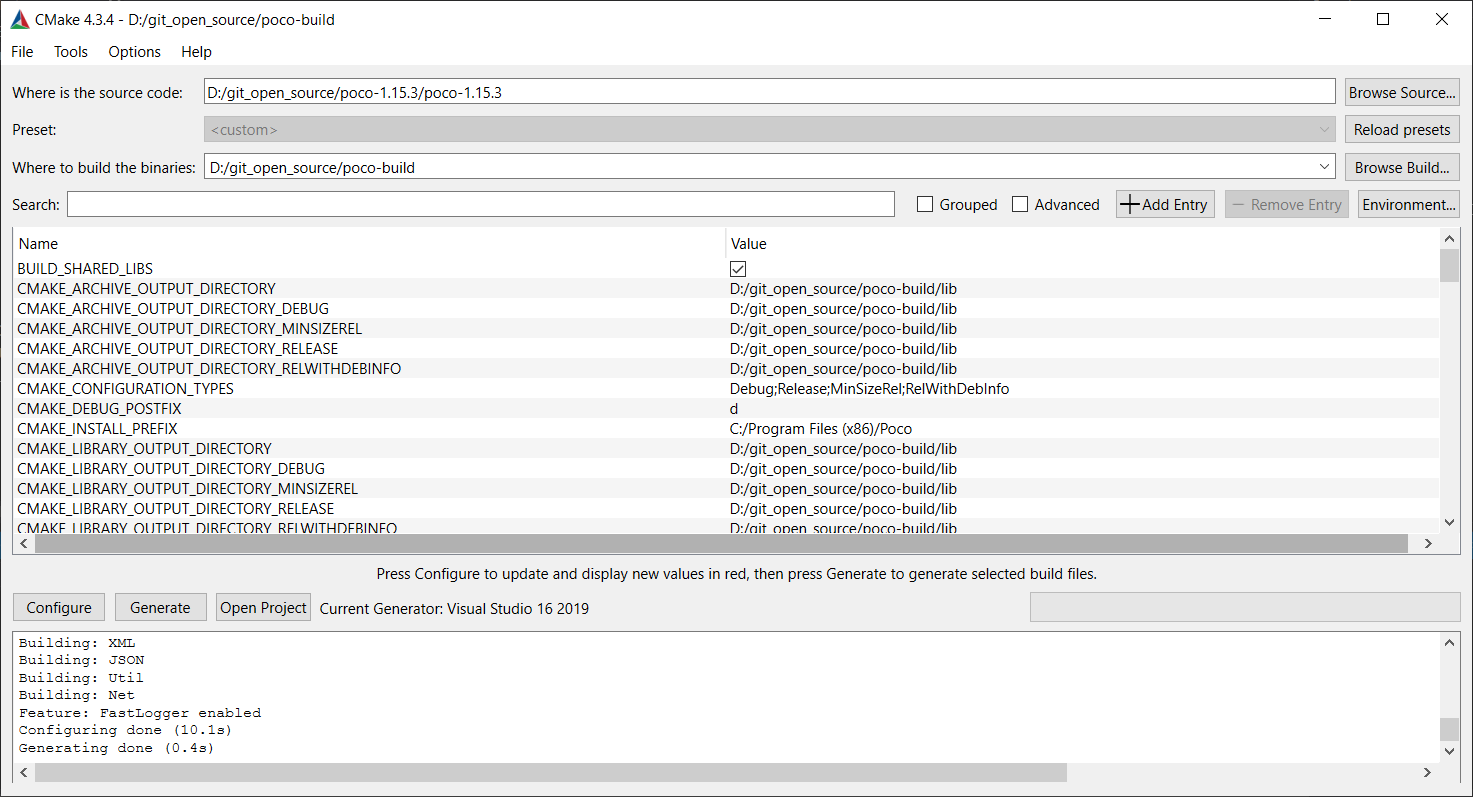

结果一样
统计错误
- 错误代码:C1020;描述:unexpected #endif
具体:
#if defined(__MINGW32__)
# include <errno.h>
#endif- C1020
'fmtquill:v12::fstring<const uint32_t&>::fstring':call to immediate function is not a constant expression switch (index.second)
{
case format_type::H:
if (hours_changed)
{
fmtquill::format_to(&_pre_formatted_ts[index.first], "{:02}", hours);
}
break;- LNK1104 cannot open file
- \lib\PocoFoundation.lib
- \lib\PocoXMLd.lib
error的具体含义
编译环境: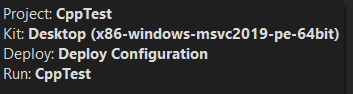
- unexpected #endif
#endif
int main()
{
	return 0;
}
结果: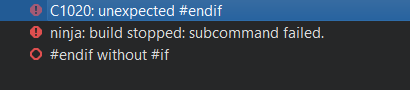
没有和endif 配对的if时会报该错误
注意到这里报错信息提示的位置是 endif处,而poco中提示的是include处
#define T
#if defined(T)
# include <iostream>
#endif

int main()
{
    std::cout << "Ok" << std::endl;
    return 0;
}
正常运行,include是否有空格对编译没有影响
为什么会没有配对的???
#include "random_rand_s.h"

#if ! defined(_CRT_RAND_S)
#  define _CRT_RAND_S
#endif

#if defined(__MINGW32__)
#  include <errno.h>
#endif
去掉注释,这里 if -》 endif;if-》endif 两个是配对的
问题出在了头文件?
#if ! defined(RANDOM_RAND_S_H)
#  define RANDOM_RAND_S_H 1

#  include <stdbool.h>
#  include <stddef.h> // for size_t

bool writeRandomBytes_rand_s(void *target, size_t count);

#endif // ! defined(RANDOM_RAND_S_H)
if-》endif。这里也是配对的啊,总不能是 标准库有问题吧。。。
等我有钱了,换个好一点的电脑,用新版vs 编译看看
Tutorials And Sample Code
在Samples 下有sln
启动VS,运行第一个项目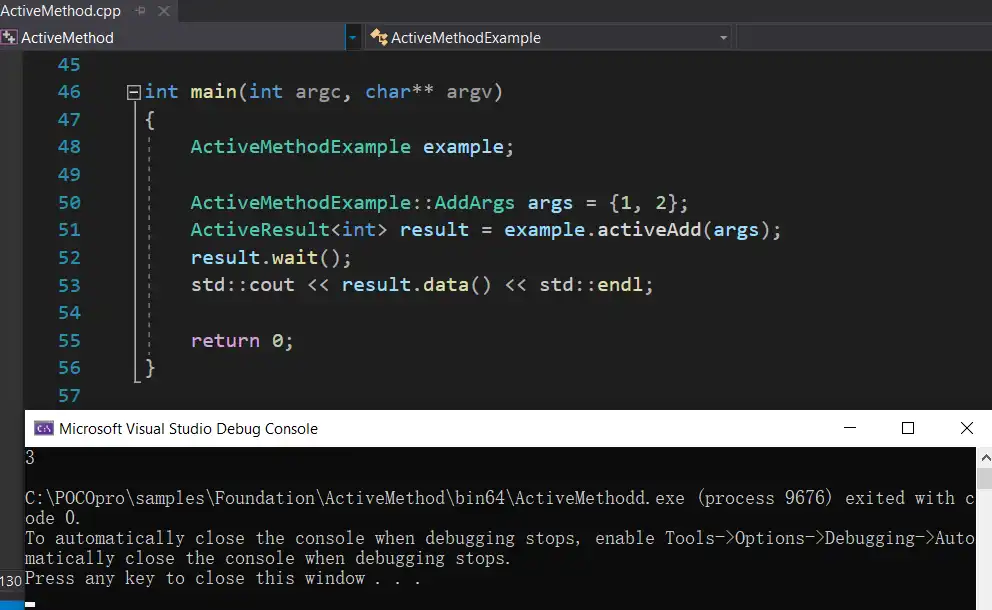
能够正常执行完毕
Creating Your Own POCO-based Application
补充
之前下载的一个POCO的安装包
原链接
安装之后