1.8.1 Exercises
1.8.1 Exercises
1
Try experimenting with the FoV and aspect-ratio parameters of GLM's projection function. See if you can figure out how those affect the perspective frustum.
2
Play with the view matrix by translating in several directions and see how the scene changes. Think of the view matrix as a camera object.
3
Try to make every 3rd container (including the 1st) rotate over time, while leaving the other containers static using just the model matrix
1
WebGL Example
用上面网站进行测试
FoV
aspect: 1.0 (width/height)
near: 1.0
far: 10.0

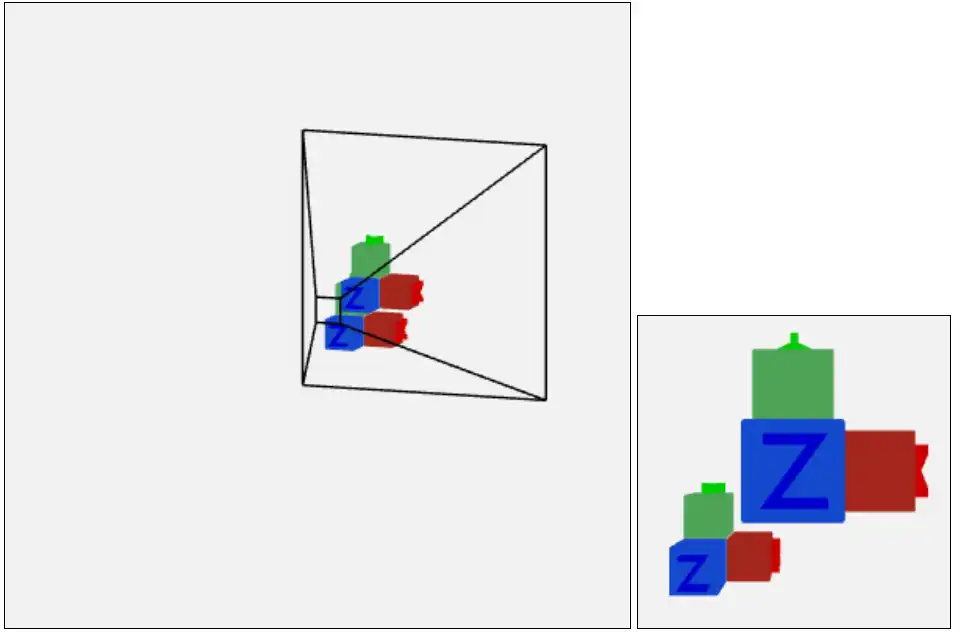
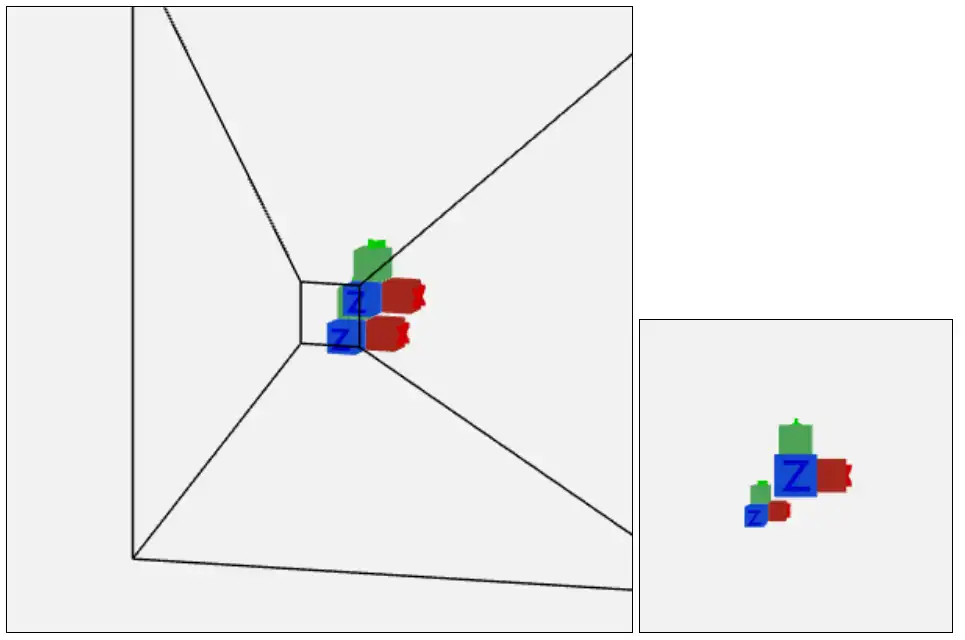
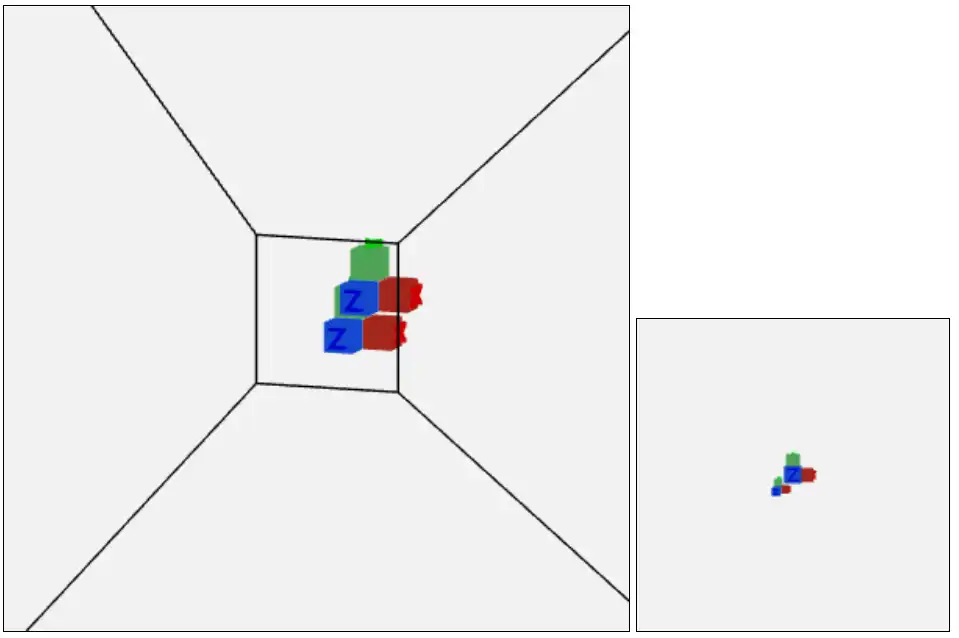

Fov从5增加到179的过程中视野逐渐增大,物体越来越小,离镜头(观察点/camera)越来越远。
aspect-ratio
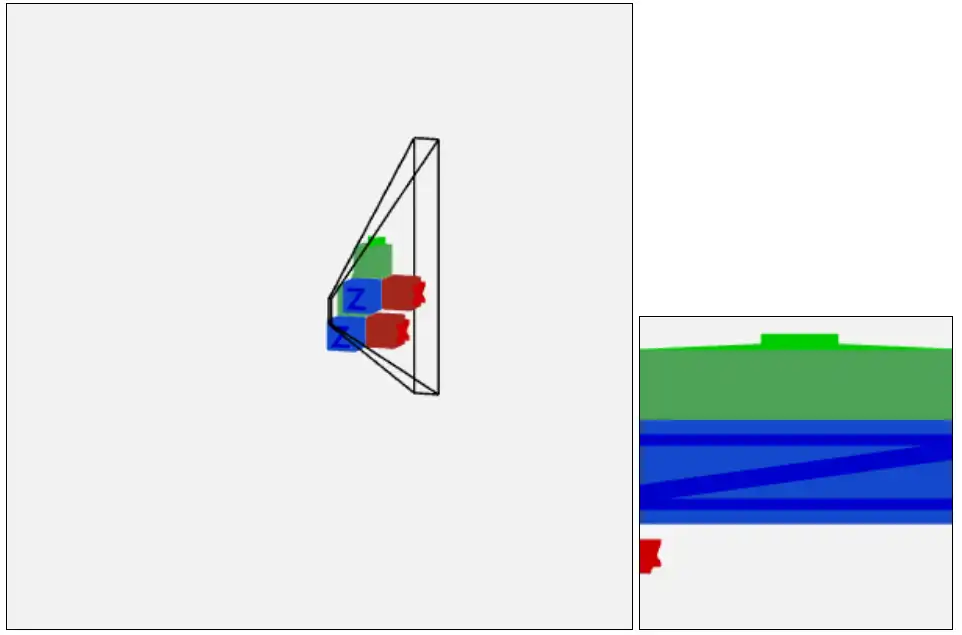
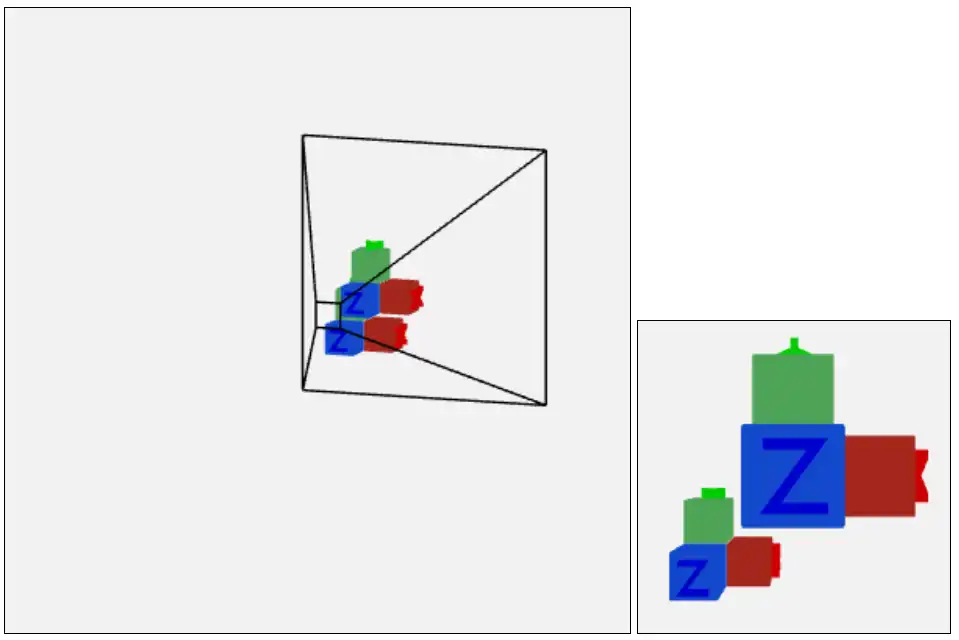
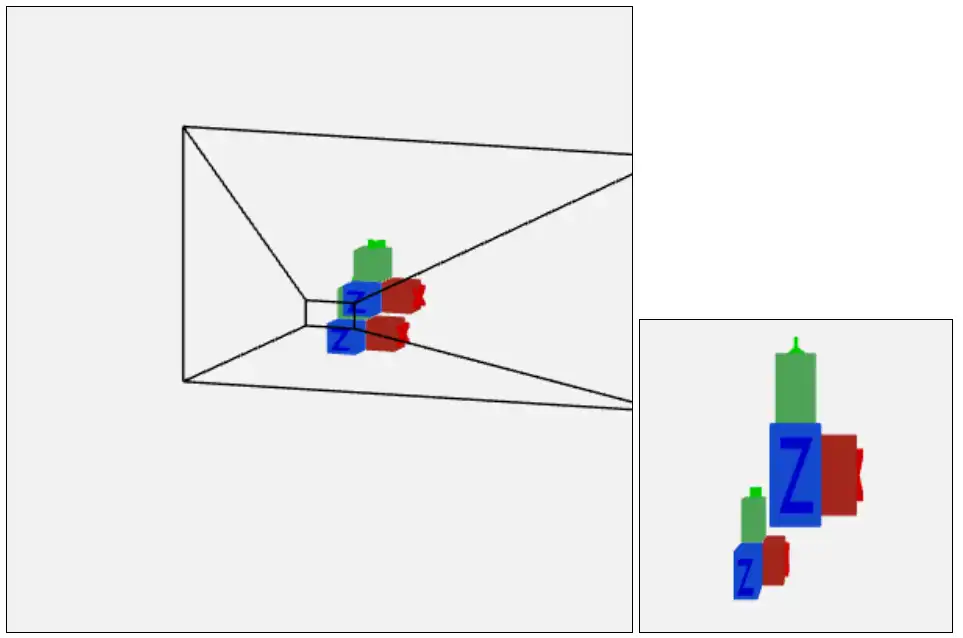
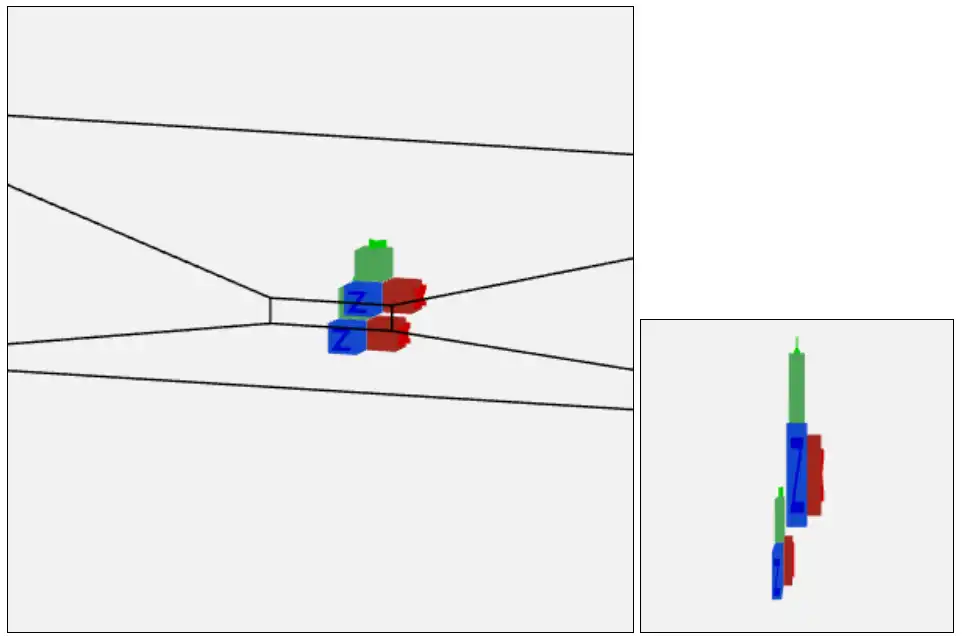
aspect 从0.1 增加到5.0的过程中,高度保持不变,宽度逐渐增加。积木离镜头的距离保持不变,但是积木的形状由拉伸变换为压缩
2
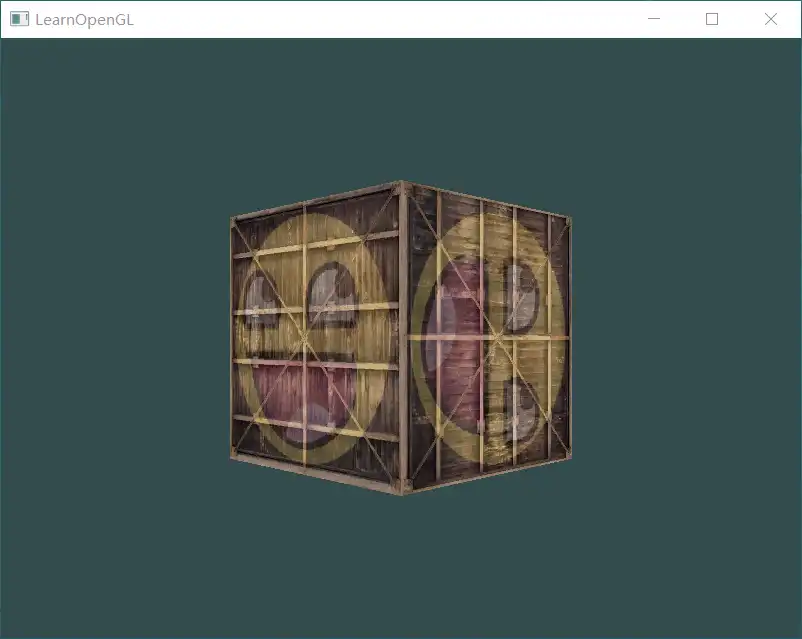
把view matrix 视作camera object,调整camera 的位置,观察不同位置下呈现的图像效果。
实现:
        glm::mat4 view = glm::mat4(1.0f);
        view = glm::translate(view, glm::vec3(0.0f, 0.0f, -3.0f));
        view = glm::rotate(view, glm::radians(-45.0f), glm::vec3(0.0f, 1.0f, 0.0f));
把camera 绕y轴 向右(顺时针-正)转动45°,相当于把world space 向左(逆时针-负)转动45°
效果:
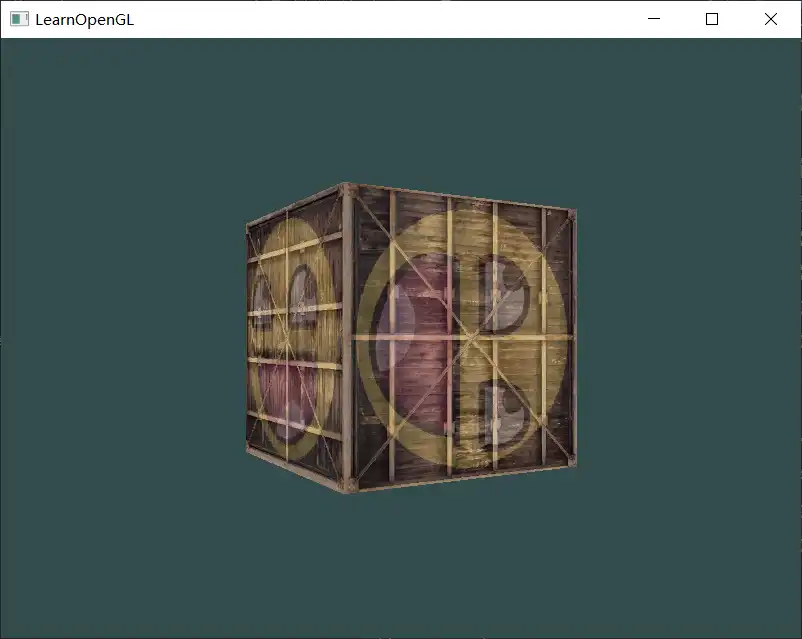
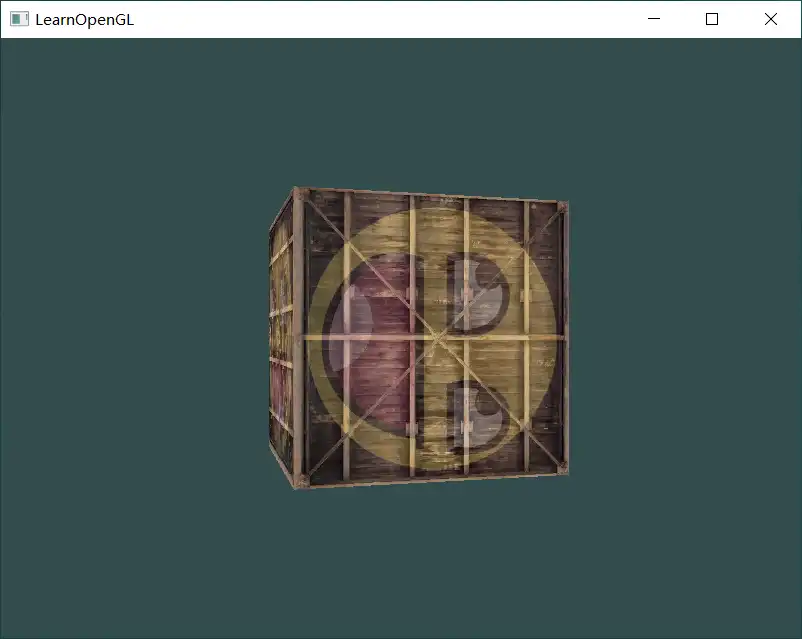
3
只让序号为3的倍数的cube 旋转,其余保持静止
    glm::mat4 model = glm::mat4(1.0f);
    model = glm::translate(model, cubePositions[i]);
    float angle = 20.0f * i;
    if(i % 3 == 0)  // every 3rd iteration (including the first) we set the angle using GLFW's time function.
        angle = glfwGetTime() * 25.0f;
model = glm::rotate(model, glm::radians(angle), glm::vec3(1.0f, 0.3f, 0.5f)); glm::mat4 model = glm::mat4(1.0f);
model = glm::translate(model, cubePositions[i]);
if(i % 3 == 0)
{
float angle = 20.0f * i;
model = glm::rotate(model, glm::radians(angle), glm::vec3(1.0f, 0.3f, 0.5f));
}效果: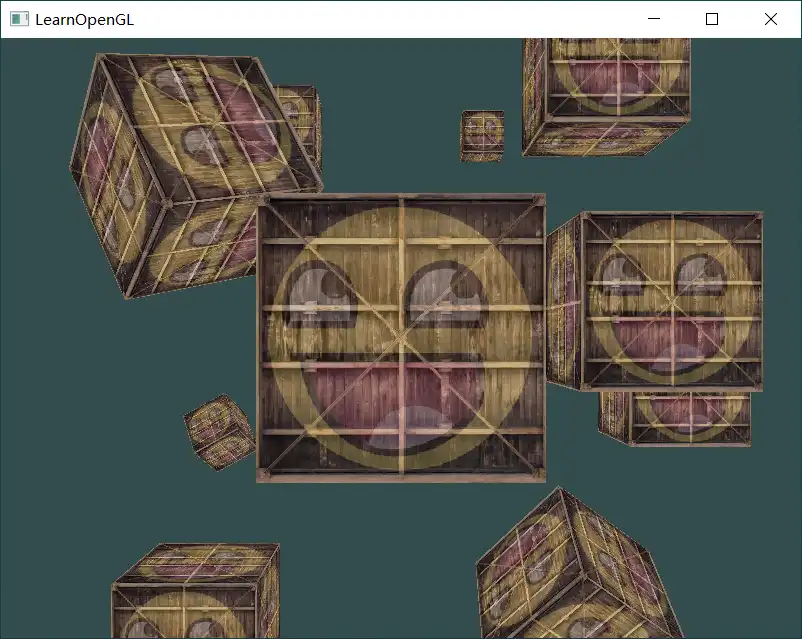
第一个container 没有旋转是因为i 为0-》转动的角度为0°